Create, Manage and Control
Digital Signage with Ease
REQUEST FREE TRIAL
- nexus
-
noun /ˈnɛksəs/
A connection, link, or central hub where multiple things, ideas, or parts of a system come together.
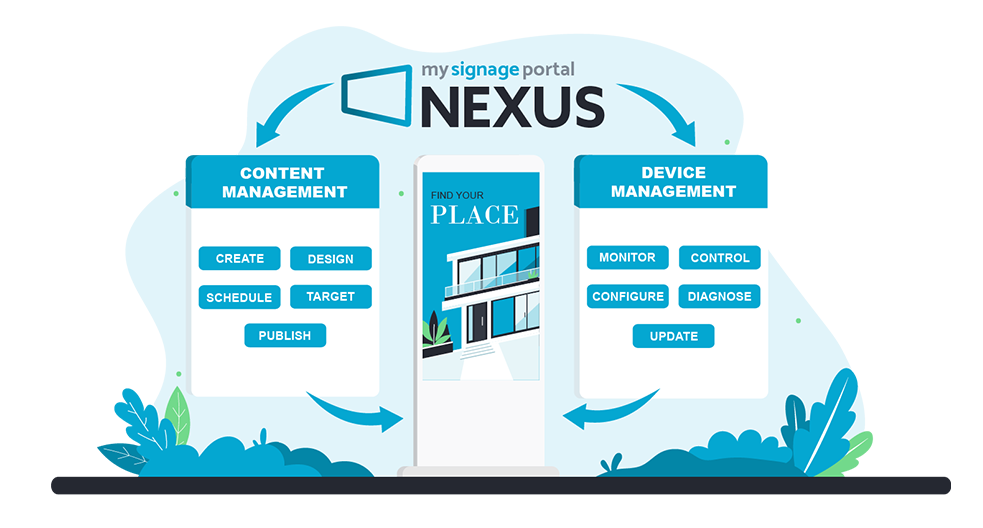
One Platform. Complete Digital Signage Control.
Create, schedule and publish content while monitoring, managing and controlling your digital signage hardware: all from one powerful Unified Management Platform.
A powerful digital signage CMS and device management platform, working together as one solution.
Why piece together separate systems when one platform can manage both your content and your screens?
Why the Nexus way?
- Less complexity – fewer separate platforms and integrations to manage.
- Lower total cost – avoids duplicating software/platform costs where Nexus provides all of the required functionality itself.
- One connected workflow – content and device management aren't isolated from each other.
- One point of management – screens, content, users, organisations and Apps within Nexus.
- Built to work together – rather than connecting separate content and hardware-management platforms from different suppliers.
Market-Leading Features That Put You in Control

Quick and Easy Publishing That Gets Your Latest Content Live Faster
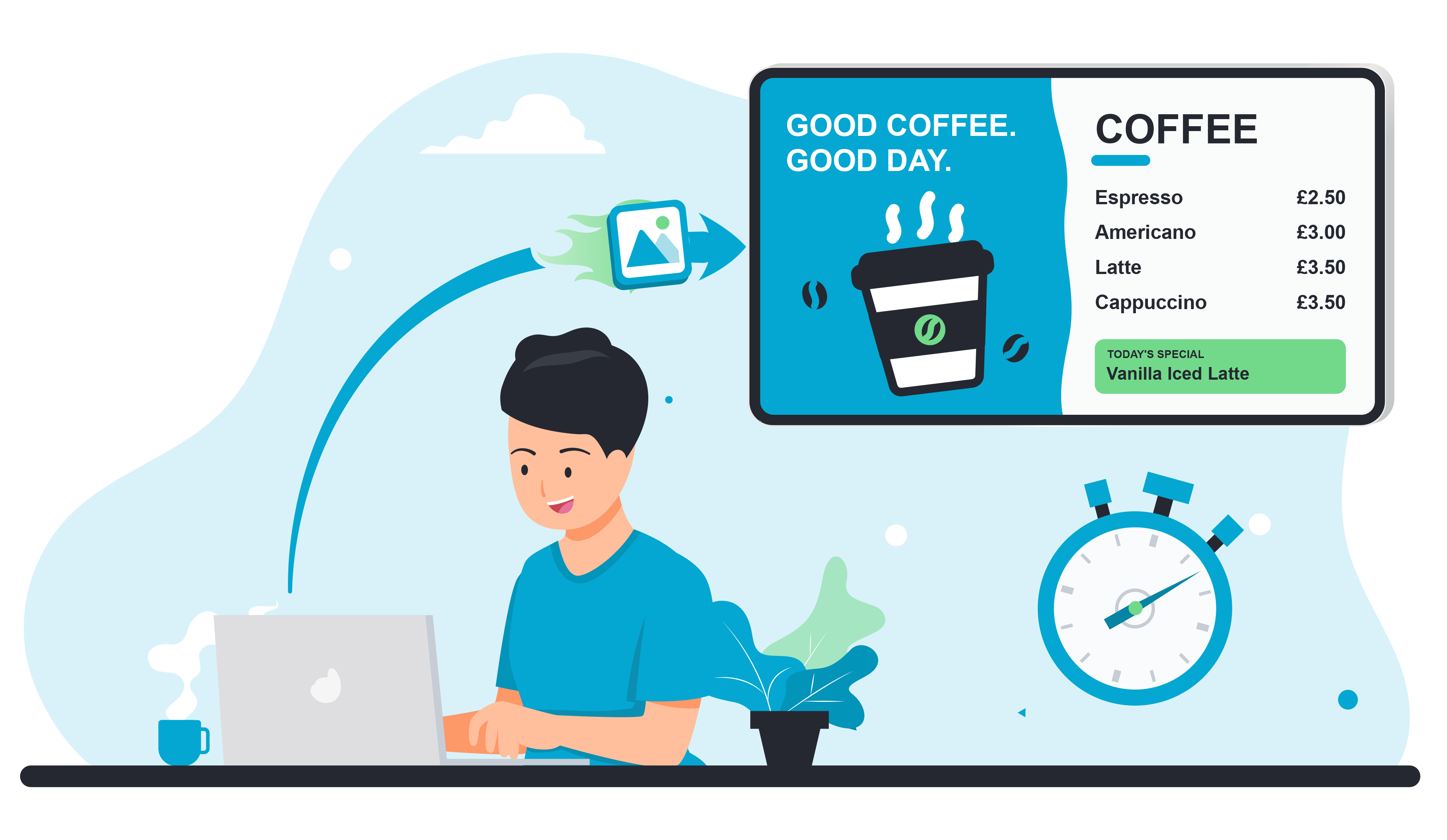
Whether publishing to a single screen or a large network, take your content from upload to screen in just a few simple steps. Nexus streamlines the entire publishing process, making it quick and easy to upload media, select your displays and get your latest content live when needed.
Explore Feature
Flexible Multi Zone Layouts That Maximise Engagement
Easily create flexible multi zone layouts combining images, videos, text and frames with playlist zones and integrated Nexus Apps. With greater control over layers, positioning and individual elements, you can create engaging, dynamic content while easily updating individual areas.
Explore Feature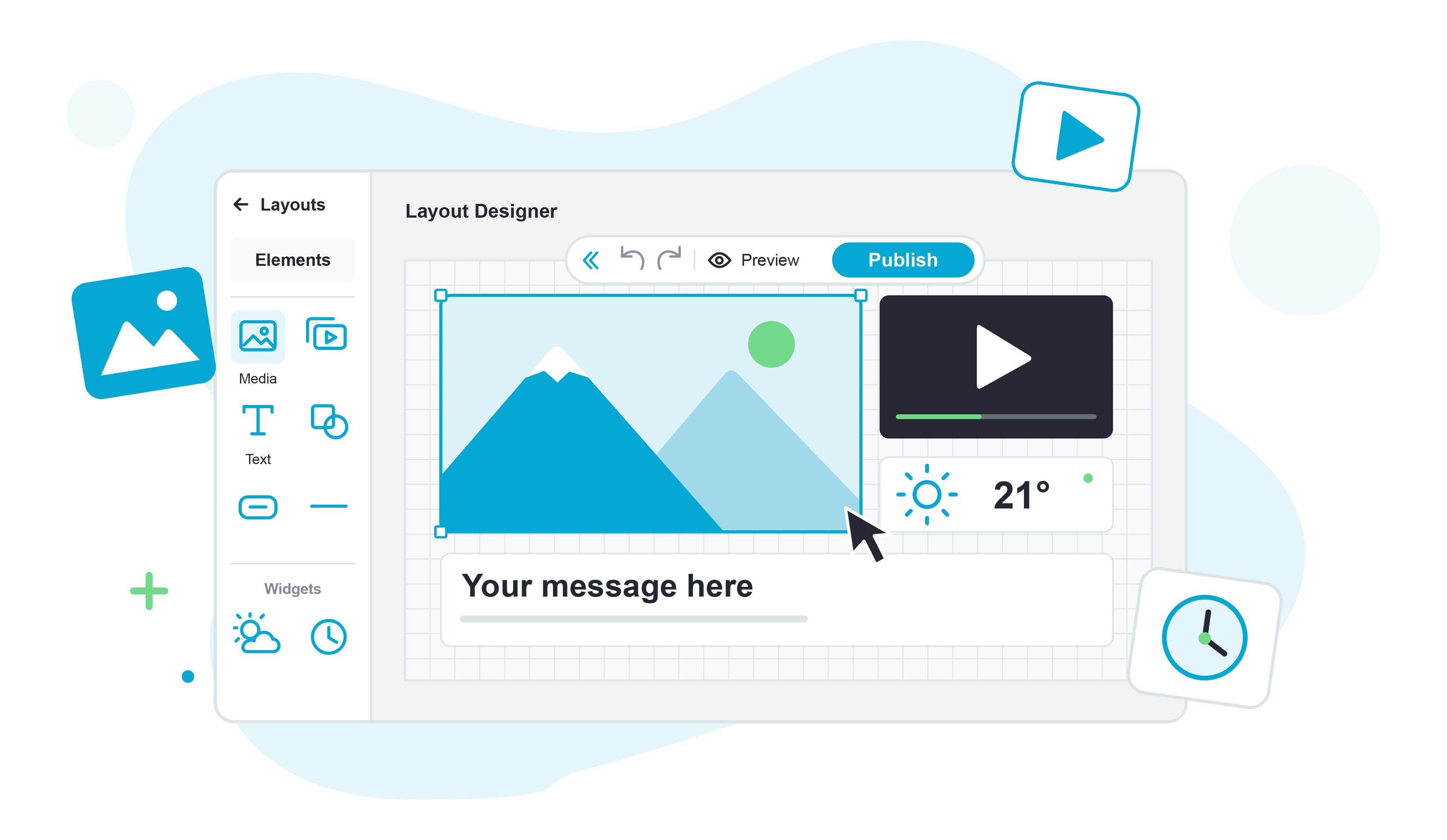
Remote Screen Management That Keeps You in Control Wherever You Are
Stay in control of your content from anywhere in the world with powerful remote screen management. Nexus gives you greater visibility over your connected devices, allowing you to monitor screen status, manage settings, schedule controls and perform actions remotely, reducing the need for on-site visits and making large networks easier to manage.
Explore Feature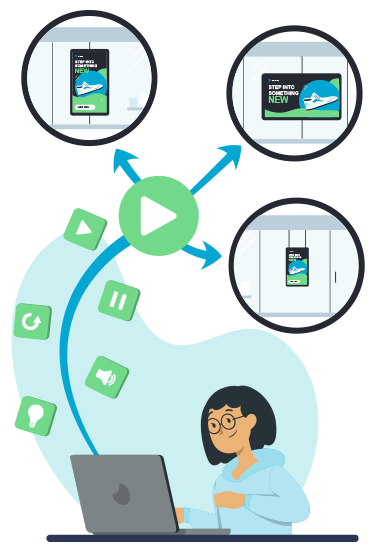
Customisable Nexus Apps Built Around Your Requirements
Expand your digital signage with powerful Nexus Apps, including Campaigns, Sync Devices, Live View, Proof of Play, Power BI integration and more. Simply enable the Apps you need to create a CMS that works around your requirements.
Explore Feature


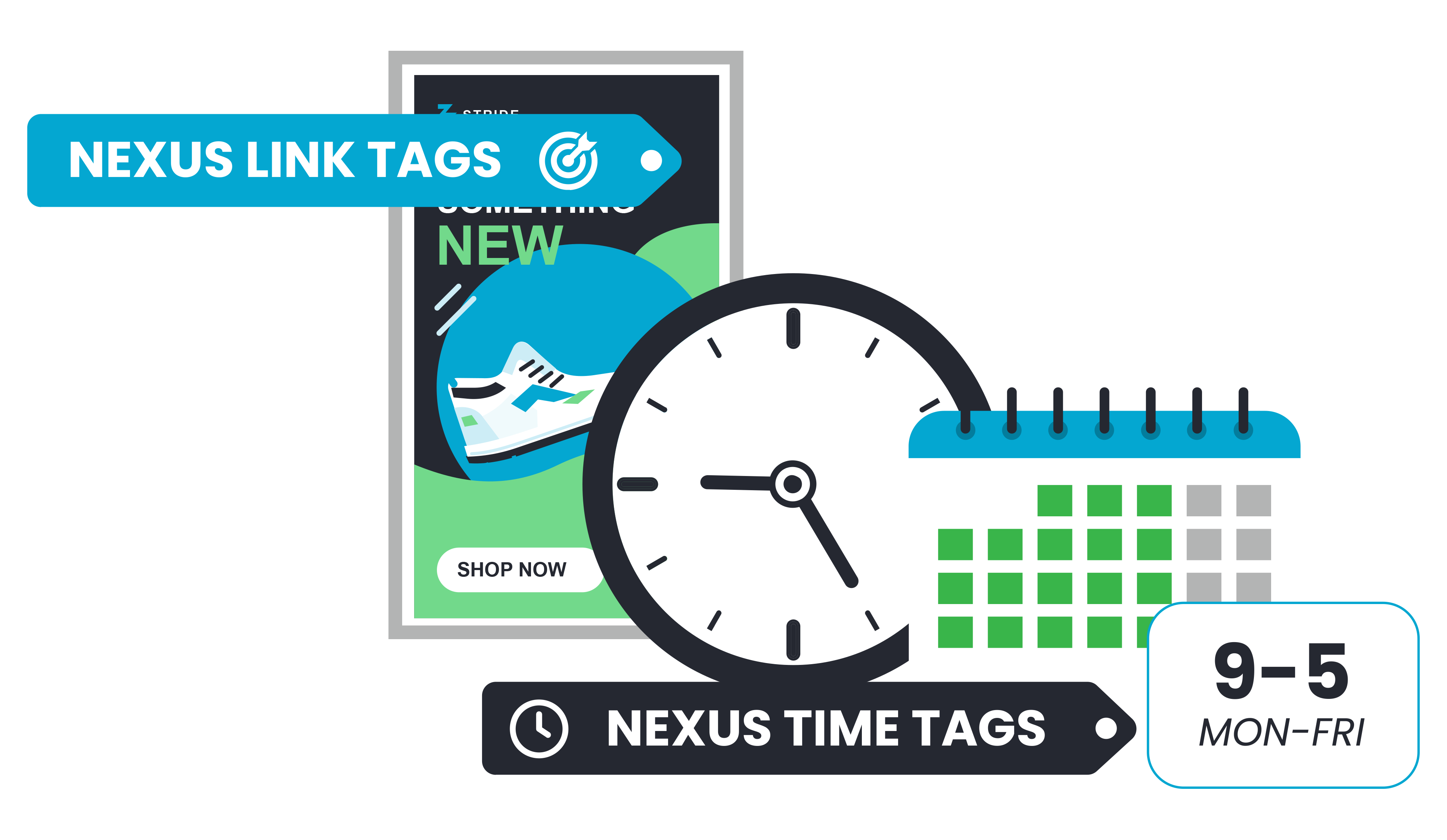
Simple Tag Management That Makes Your Growing Network Easier to Organise
Simplify content management across your network with powerful Nexus Tags.
- Link Tags connect content with the right screens, making it easy to distribute updates across multiple devices without publishing to each one individually.
- Time Tags let you create reusable scheduling rules for when content should play.
As your network grows, Nexus Tags make managing the right content, on the right screens, at the right time easier than ever.
Explore Feature
Powerful Campaign Tools That Put the Right Content on the Right Screens
Coordinate content across your digital signage network with Nexus Campaigns. Create and distribute campaigns across selected organisations, regions, stores or screens, with clear control over where your messages appear. Review pending changes before they take effect, making it easier to manage campaigns across multiple locations from one place.
Explore Feature
Interactive Touch Experiences That Turn Viewers into Engaged, Active Participants
Transform traditional static content into engaging interactive experiences. Create multi-page touch screen content with intuitive navigation, interactive touch areas, carousels and playlist controls, making it easy to build everything from product browsing and information points to self-service experiences.
Explore Feature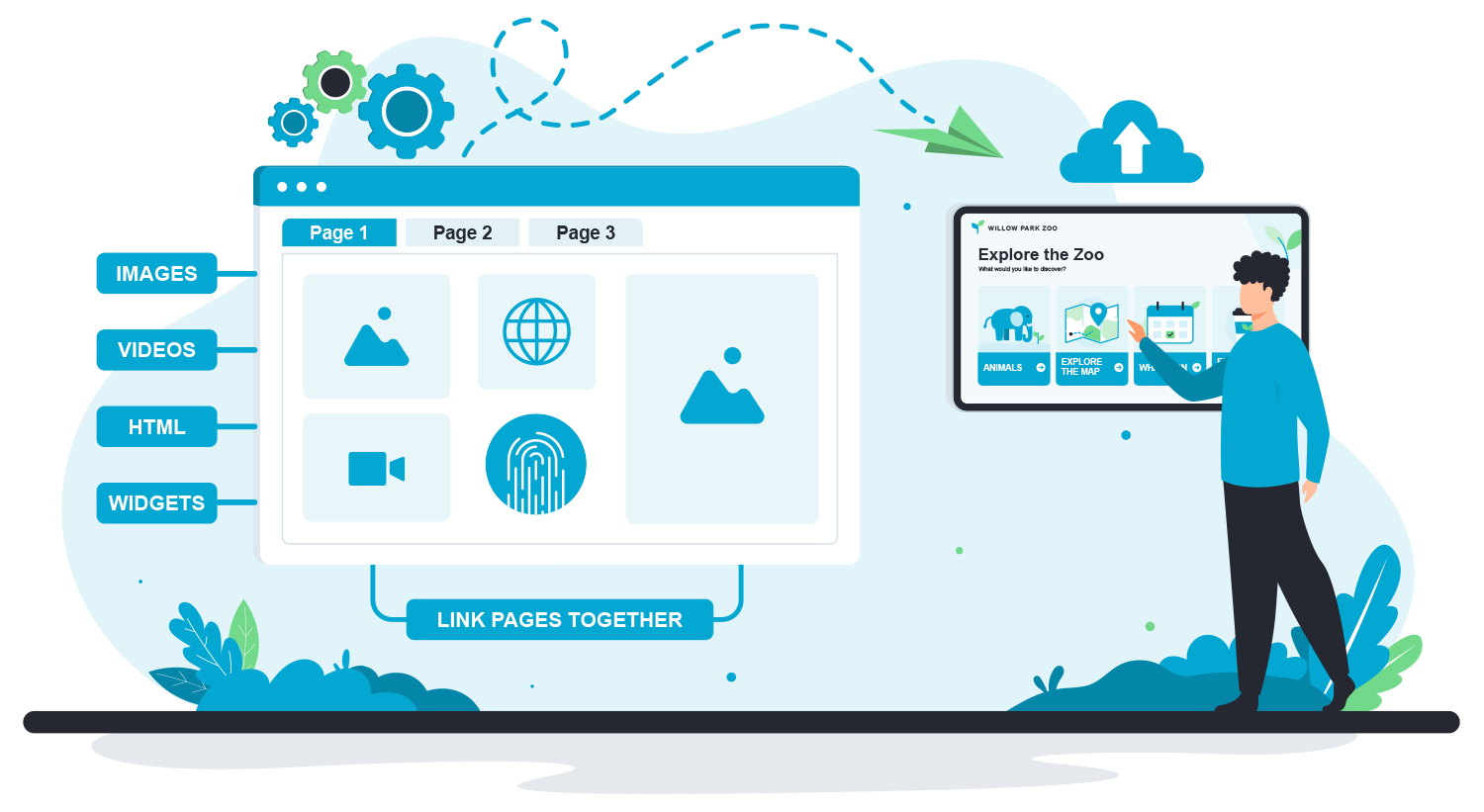
Ready to Get Started with MSP Nexus?
Request Free Trial