

My Signage Portal Nexus Features
Discover the powerful features that make My Signage Portal Nexus a flexible, intuitive and advanced digital signage CMS, designed to simplify content management while adapting to your requirements.
Powerful Digital Signage CMS Solution
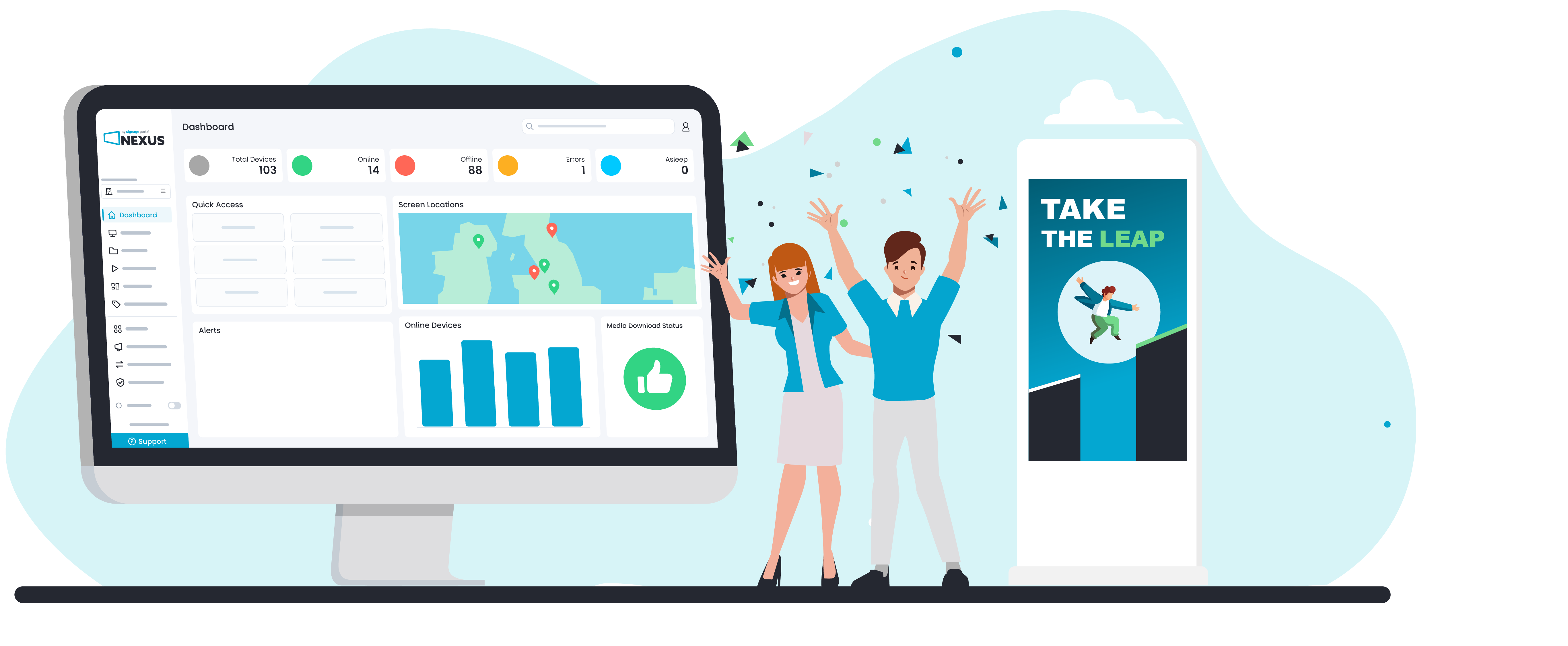
Simple to use, powerful when you need it. My Signage Portal Nexus is a flexible digital signage CMS designed to make everyday content management effortless, while giving you access to advanced tools as your requirements grow. From publishing and scheduling content to managing and controlling your screens remotely, Nexus brings everything together in one intuitive platform.
Why Choose MSP Nexus?
Fully Integrated Solutions
Choose from a wide range of commercial displays manufactured in conjunction with our software. Create, schedule and publish content while remotely managing your digital signage network from one intuitive platform.
Comprehensive Support
Get the most from your digital signage with comprehensive support at every stage. Access dedicated technical assistance, expert training, in-depth guides and video tutorials to manage your network with confidence.
Advanced Customisation
Fully customise your CMS interface with your own branding, personalise your workspace and enable powerful Nexus Apps to create a platform tailored to your organisation, users and requirements.
Easy to Understand Workflow
Access an intuitive interface with simple, streamlined workflows, making it easy to upload, schedule and publish content. No matter your experience or knowledge, powerful CMS tools are always within easy reach.
Scalable Organisation Management
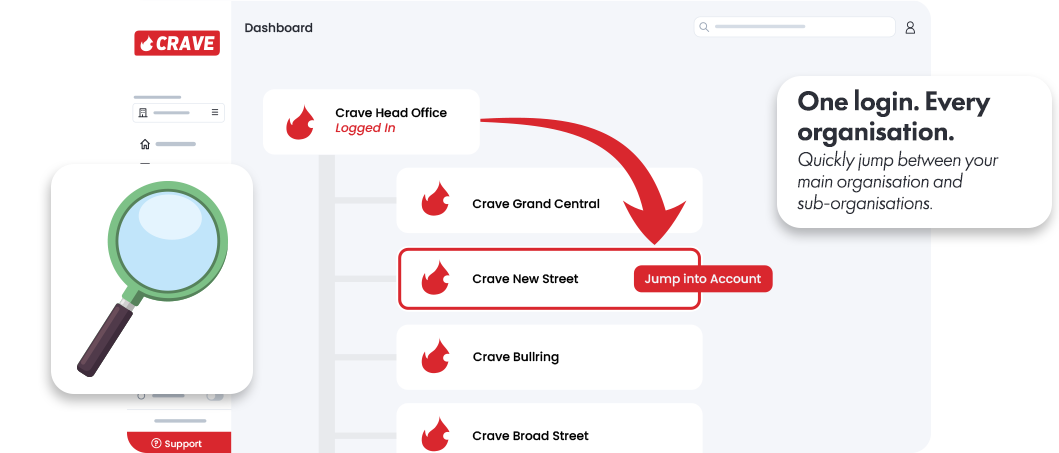
Manage multiple organisations, customers, branches or locations from a single account, with flexible user permissions and sub-organisations that make it easy to scale as your network grows.
Pre-Configured Hardware
Get started faster with compatible hardware pre-configured to fit your customer's requirements. Setup is simplified so you can start managing and publishing content with minimal configuration.
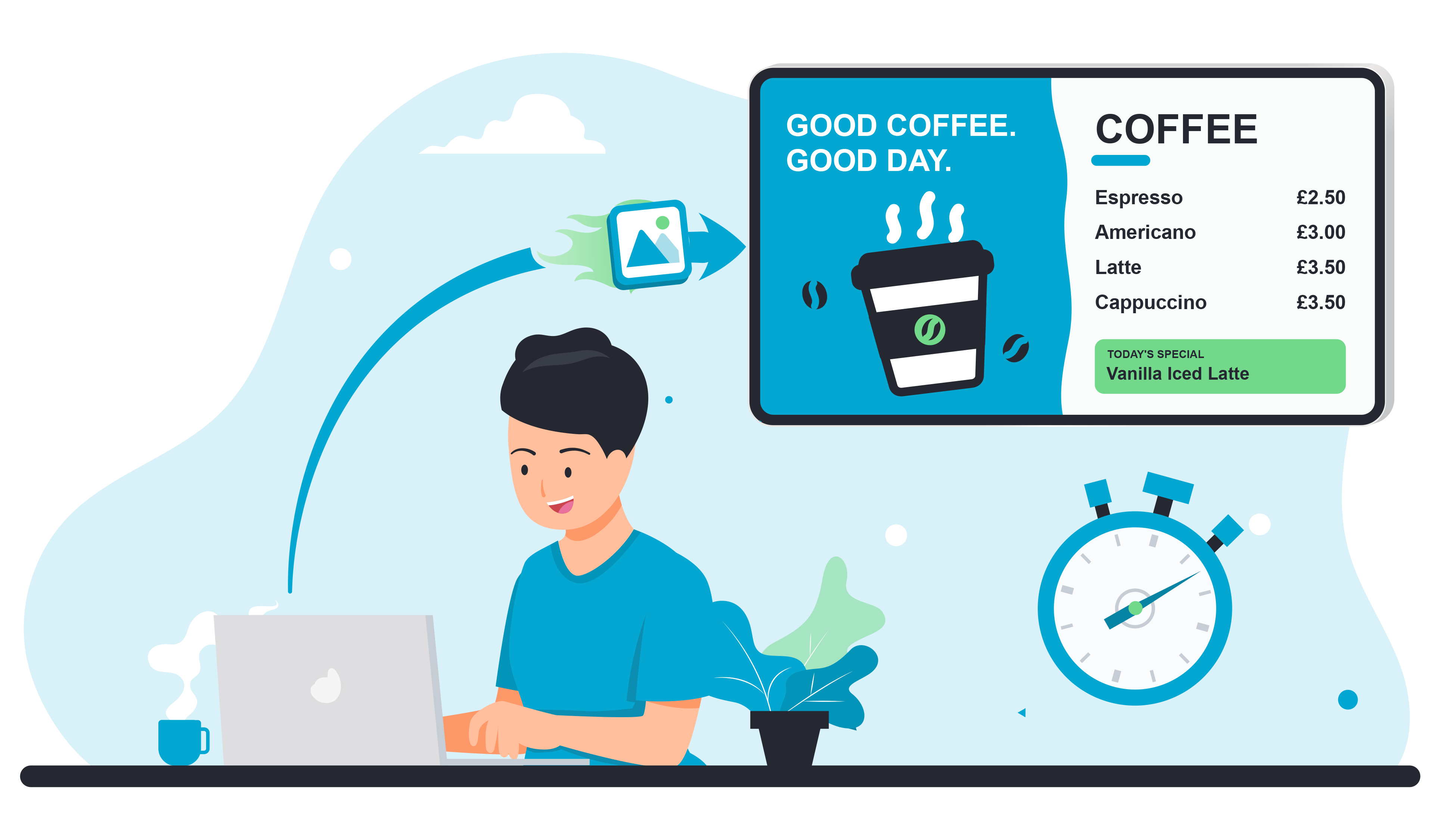
Getting your content live couldn’t be simpler. Quick Publish is easily accessible from the Nexus dashboard, with a straightforward three-step workflow.
Quick Publish in 1, 2, 3  Simple Steps

Choose Your Content
Upload new content or select existing media from your library to get started.

Select Your Screens
Choose the screens you want your content to appear on, whether updating one display or multiple devices.

Publish Your Content
Hit publish and send your content directly to your selected screens. It really is that simple.
Hardware and Easy Setup
Integrated Hardware Solutions
MSP Nexus has been developed to work seamlessly with our digital signage hardware, bringing content and device management together in one integrated ecosystem. This close integration gives you greater control over your screens, with powerful remote management capabilities and a streamlined setup that makes deploying and managing your displays easier.
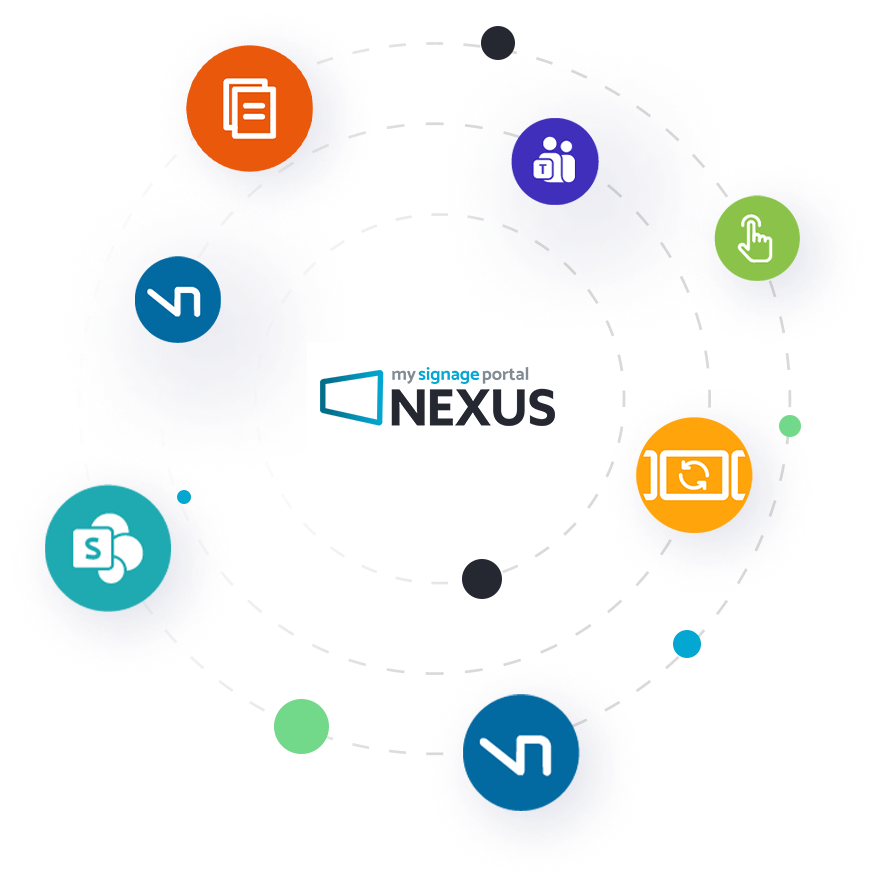

Discover What Nexus Apps Can Do
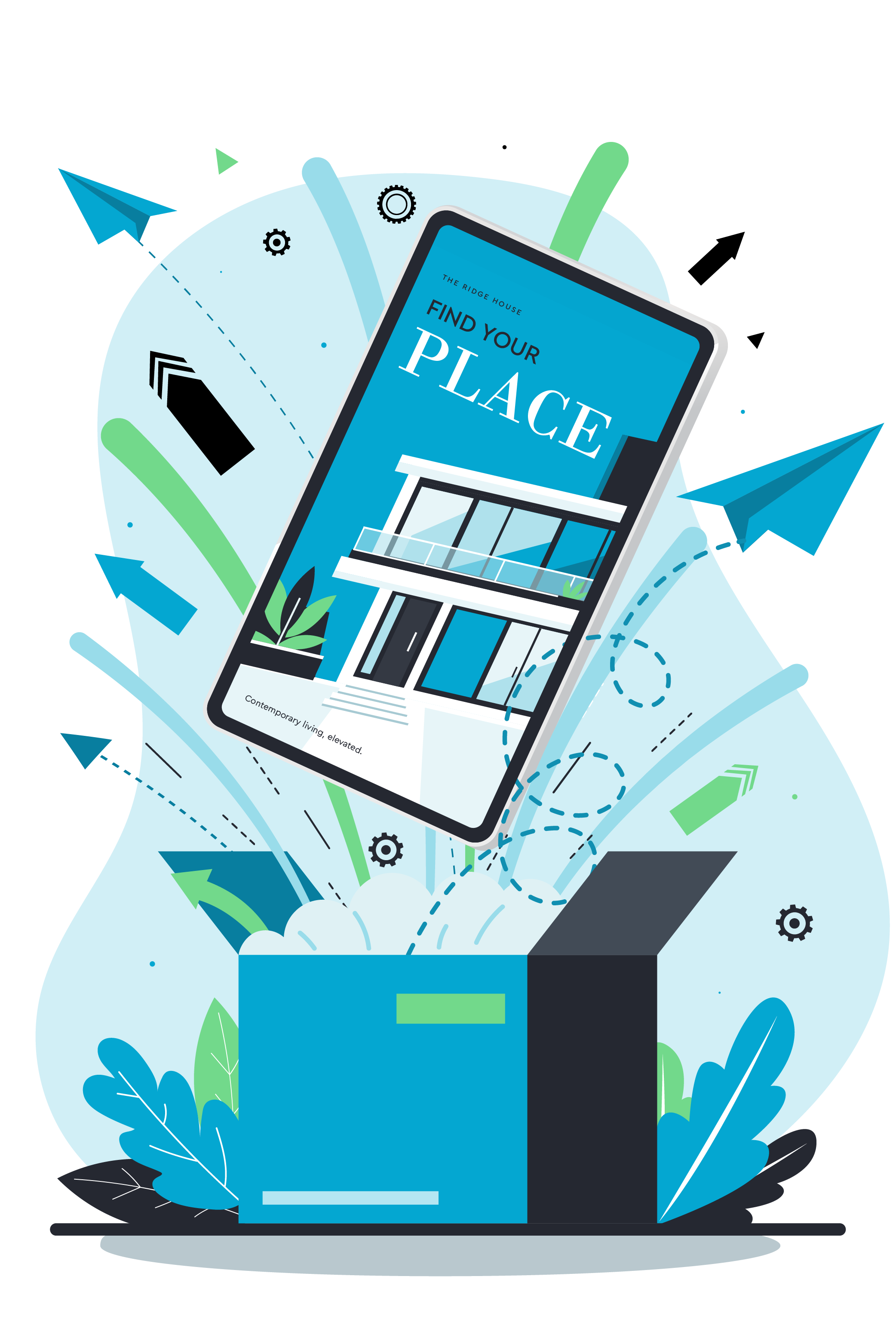
Make Nexus work for you with a versatile collection of Apps that expand the capabilities of your CMS. Simply enable the functionality you need to create a platform tailored to your requirements, from advanced content management and screen control to integrations, automation, interactive experiences and more.
Powerful Tools for Smarter Digital Signage
Unlock powerful tools designed to simplify management, expand your capabilities and help you get more from your network.
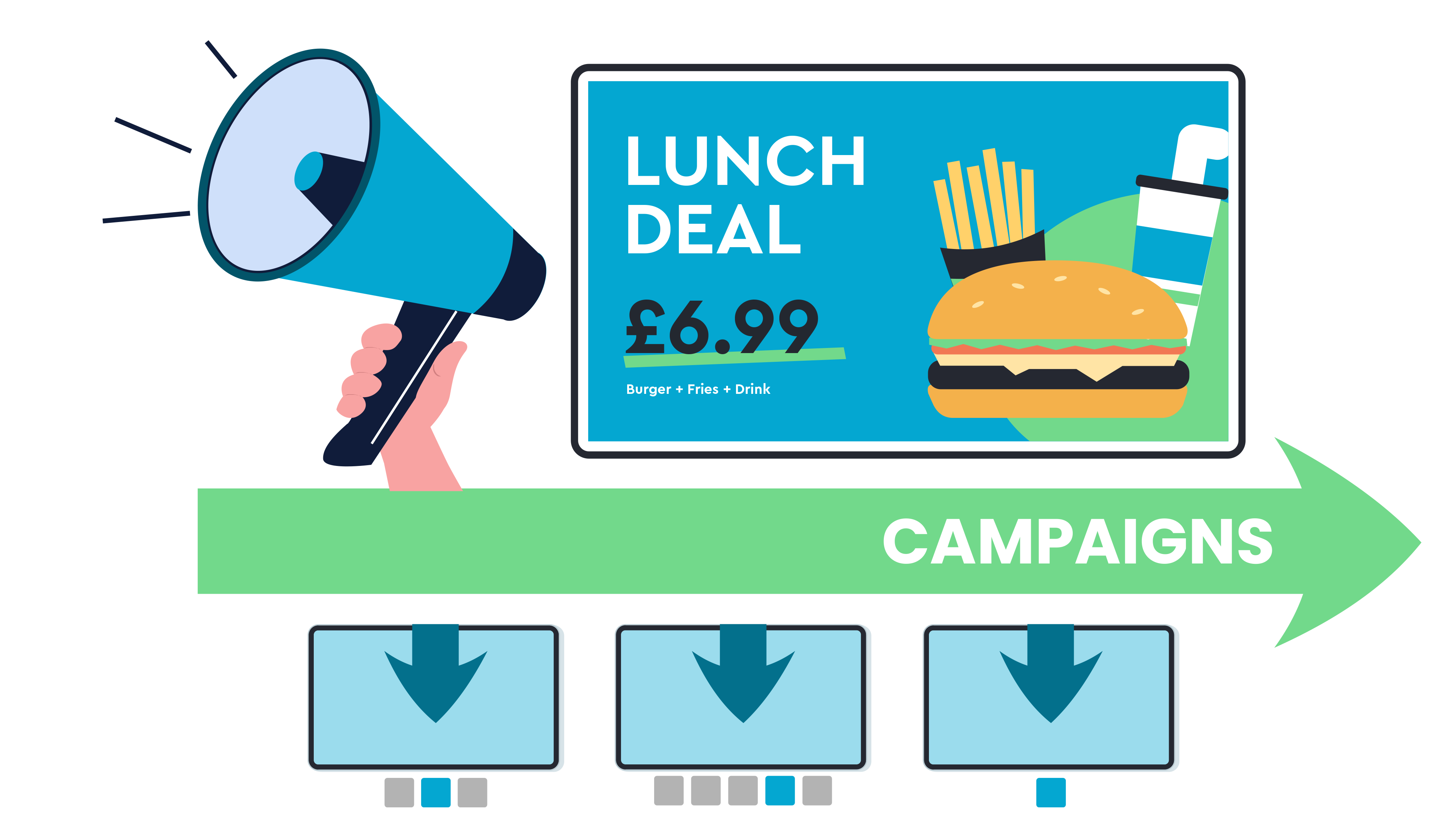
Campaigns
Simplify campaign management across complex networks. Create and distribute campaigns across selected organisations, regions, stores or screens, with greater control over where content appears.

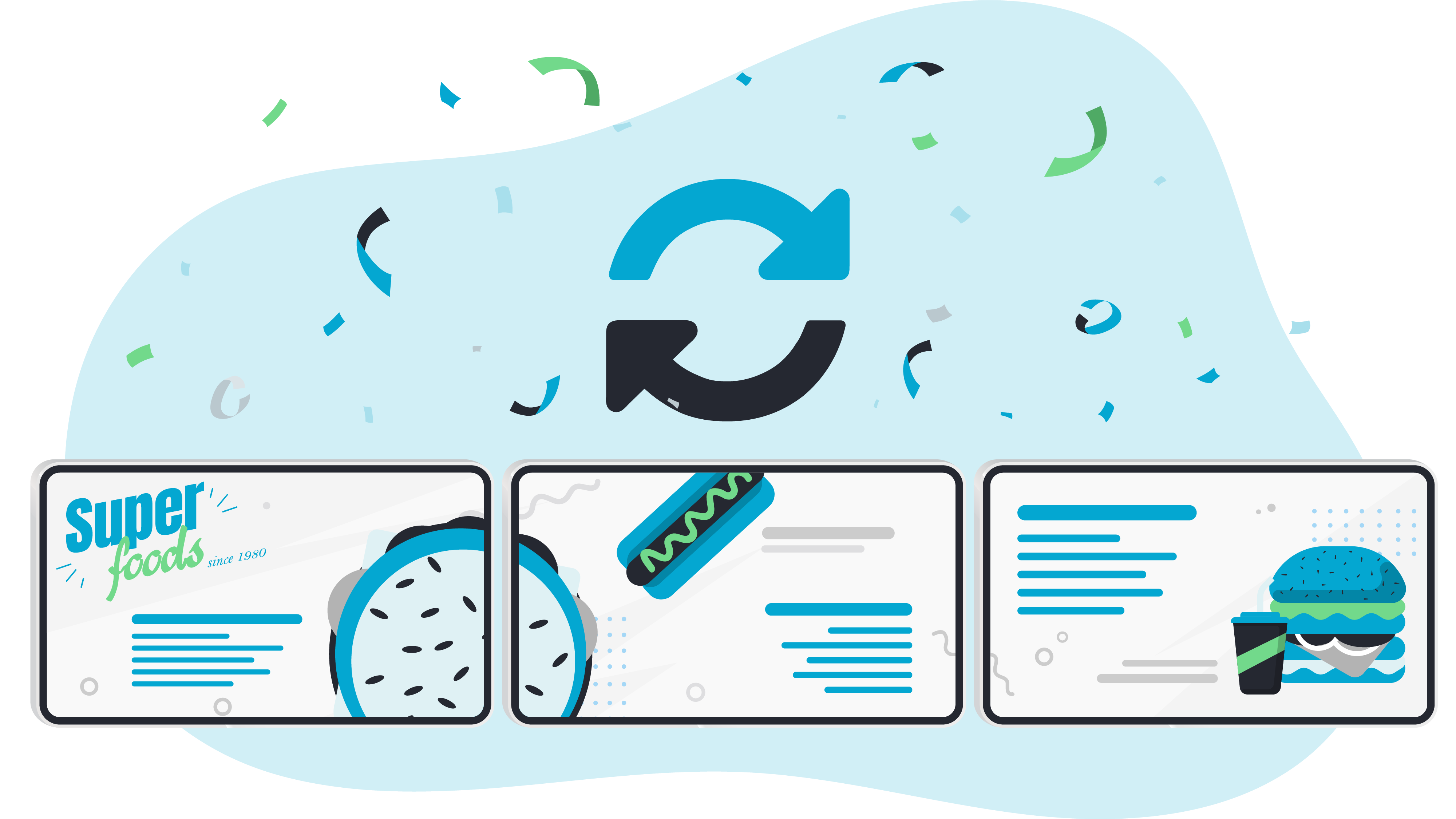
Sync Devices
Create seamless multi-screen experiences with synchronised content playback. Group devices with automatic host assignment and use 3D preview to plan and visualise multi-screen configurations.
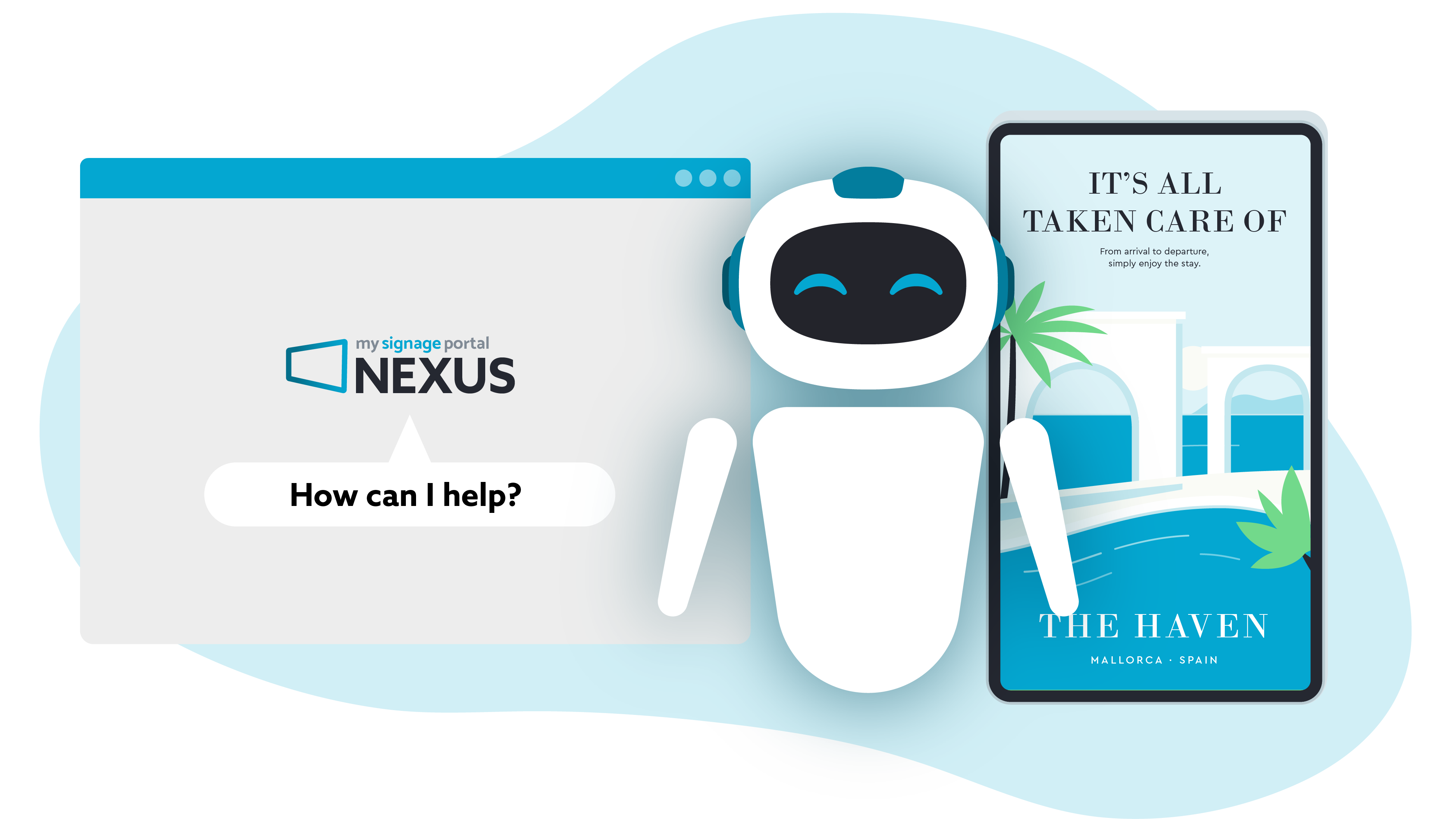
AI Agent
Easily manage your digital signage with the Nexus AI Agent. Explore portal information, check publishing readiness and prepare permitted actions, with changes remaining under your control.

Ultimate Online Control


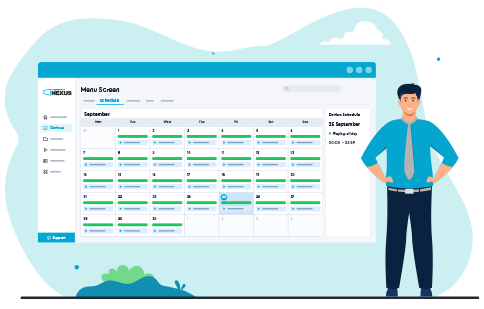
Deliver the Right Content at the Right Time
Take control of when your digital signage content plays with advanced scheduling tools. Set active dates, weekdays and time windows, use reusable Nexus Time Tags and review planned playlist activity from one central schedule.
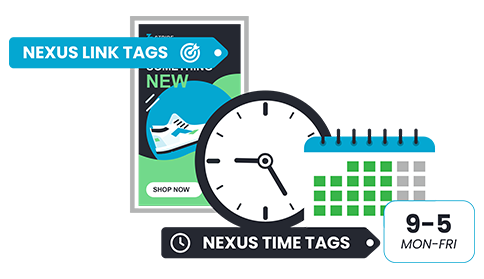
Connect Your Content, Screens and Schedules
Easily manage content across your screen network with Nexus Tags. Use Nexus Link Tags to connect content with the right devices for streamlined distribution, while Nexus Time Tags create reusable scheduling rules across playlists and organisations.
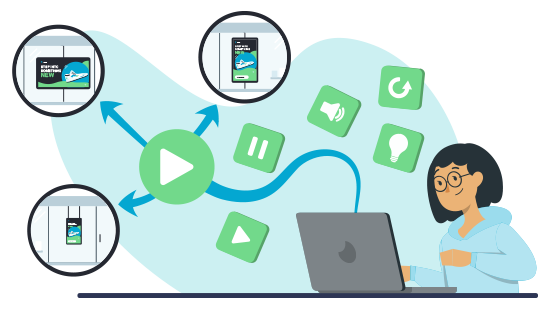
Manage Your Screen Network from Anywhere
Stay in control of your digital signage network remotely. Monitor device information and playback, use Live View to investigate compatible screens and perform remote actions such as rebooting devices and scheduling changes.
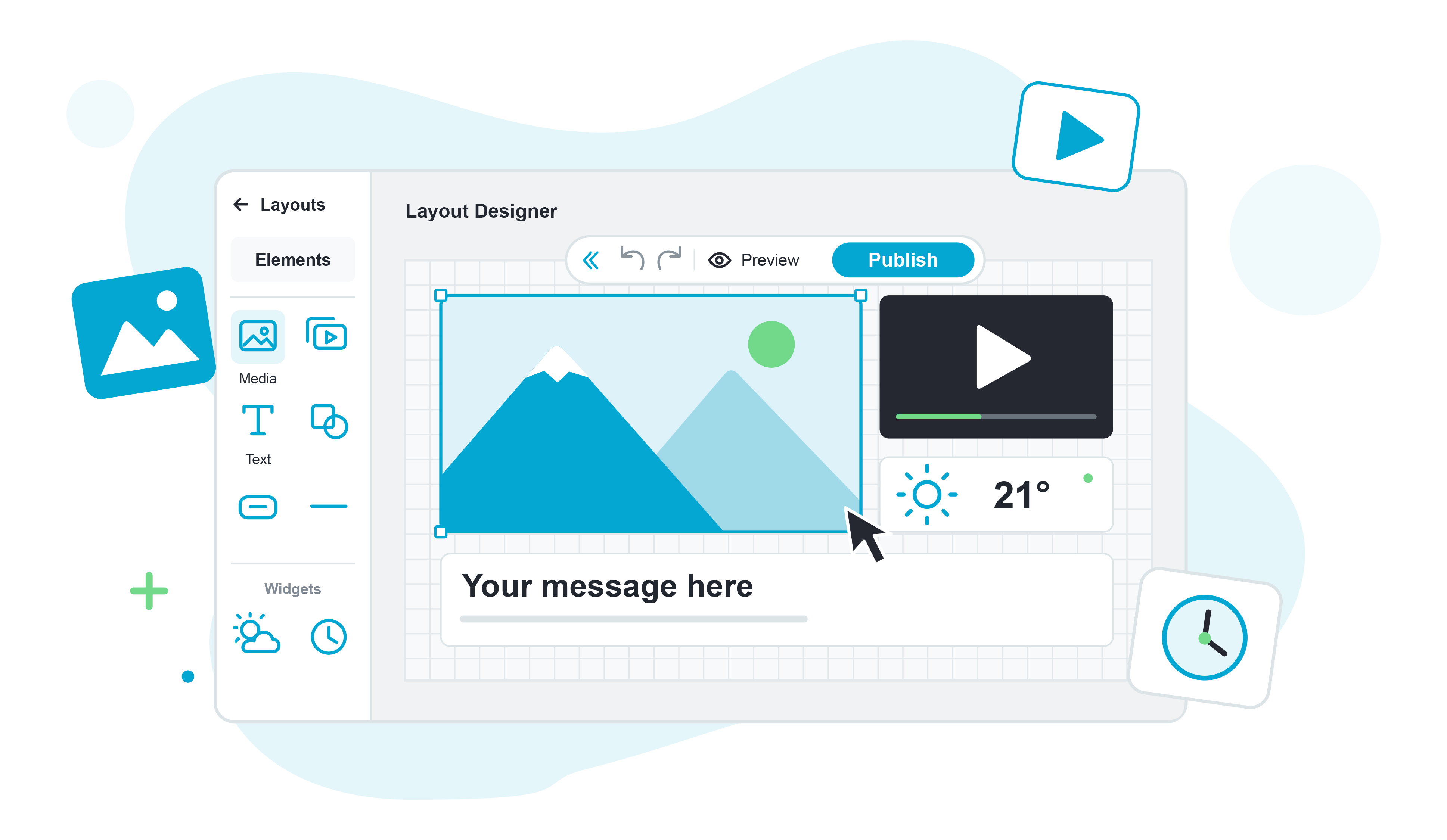
Powerful Layout Designer
Design dynamic, multi-zone digital signage layouts with greater creative control. Combine images, videos, text and shapes, add independent playlist zones and integrate Nexus Apps, with flexible editing tools that make it easy to update individual elements whenever you need.
Stay in Control as You Grow
Manage & Control Your Organisation
Simplify the management of growing networks with flexible tools designed to keep your organisations, users and content connected and under control.
Manage multiple customers, branches or locations from one account. Create flexible sub-organisations within your wider network, keeping content and access organised at the right level as your network grows.
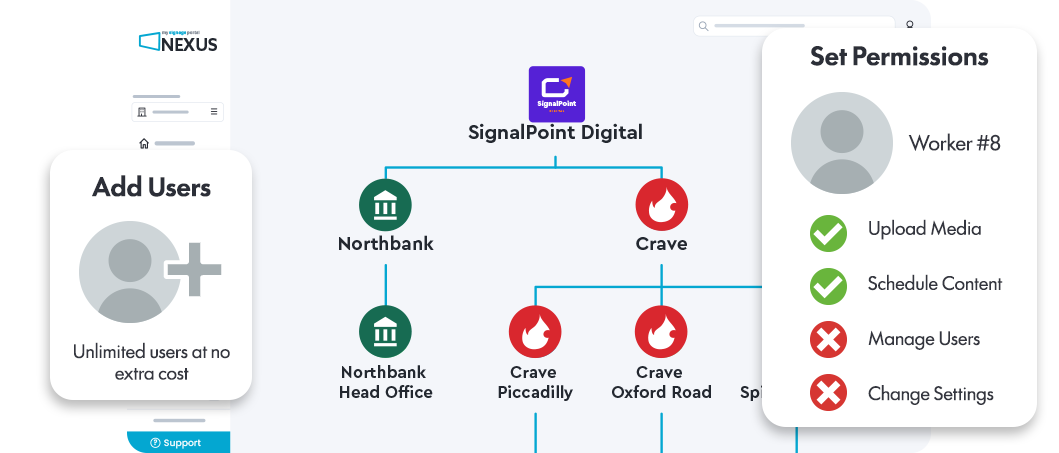
Give every user the right level of access with flexible permissions. Control who can upload media, create users and access specific features or Apps, making your CMS easier to manage across teams.
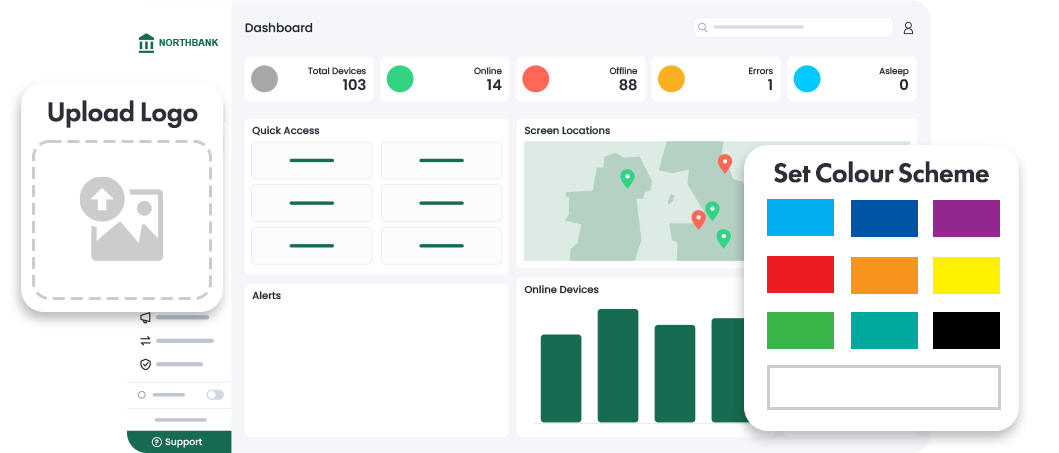
Make My Signage Portal Nexus your own with custom logos, icons and colour schemes that reflect your brand. Easily manage user accounts and simplify access with email, Google or Microsoft sign-in options.
Create Engaging Interactive Experiences
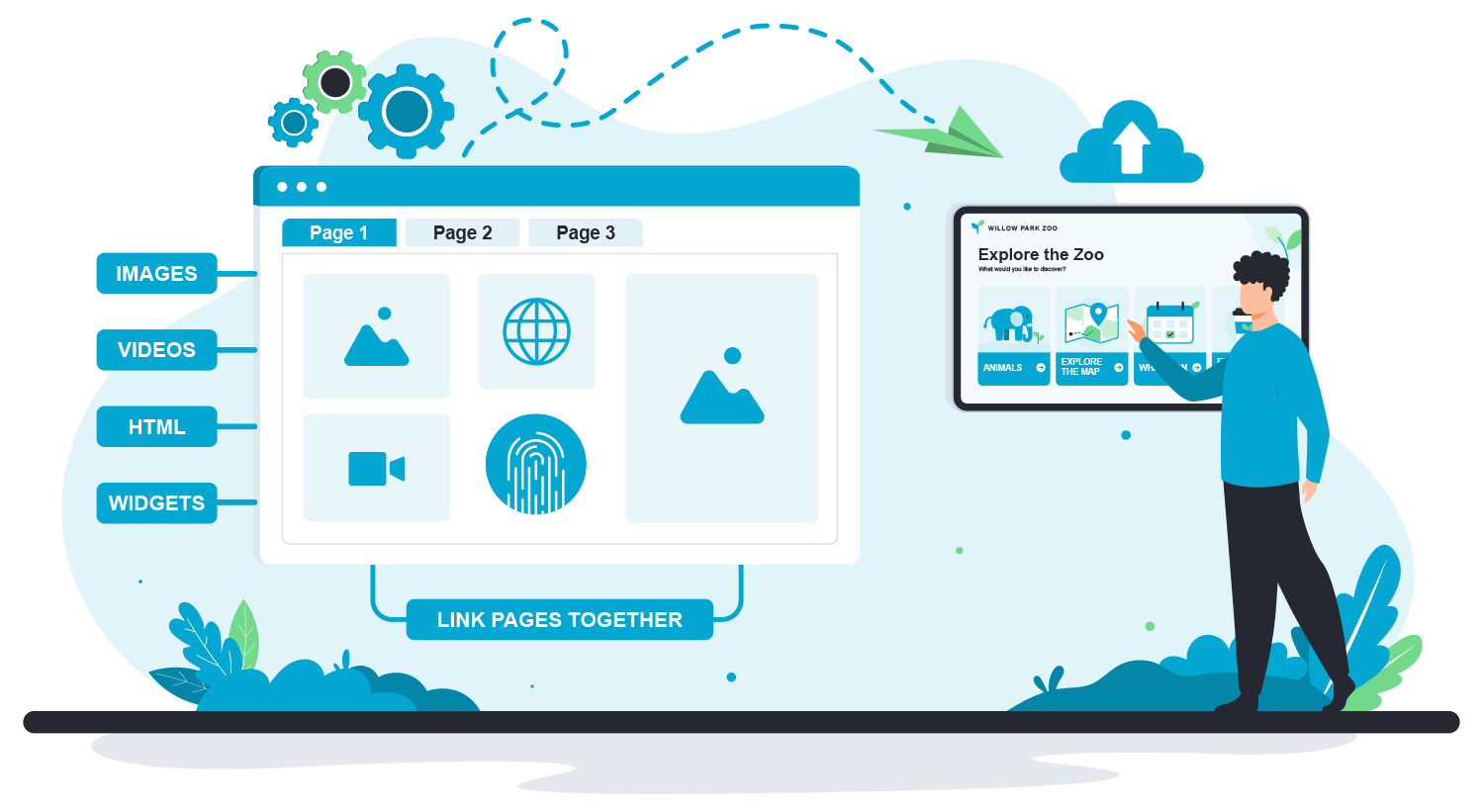
Transform your digital signage into an interactive experience with intuitive Touch Playlists. Create multi-page content with flexible navigation, touch areas, carousels and playlist controls, ideal for product browsing, information points, self-service experiences and more, with no coding or technical experience needed.
Seamless Integration with the MSP Nexus API
Connect your account with existing applications using the My Signage Portal Nexus API, giving you greater flexibility to create dynamic digital signage experiences. With clear documentation and dedicated support, integration is made as straightforward as possible.
Explore MSP API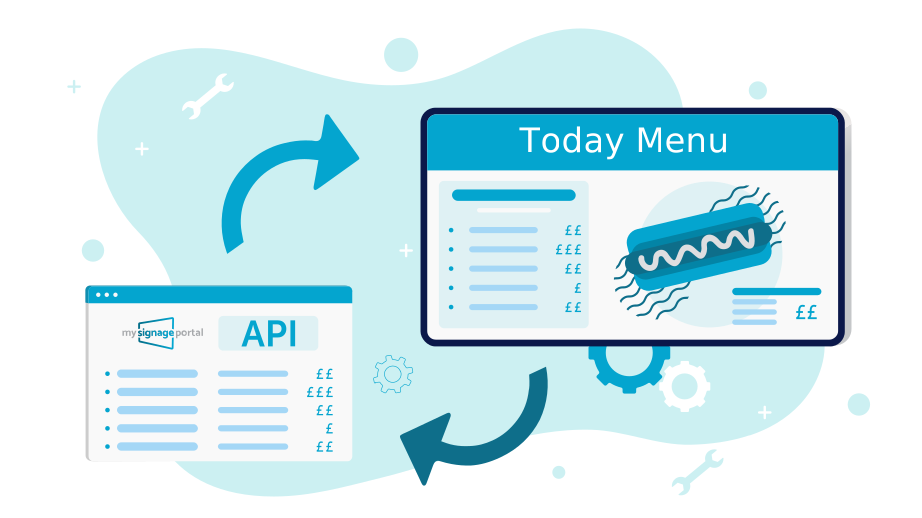
Dedicated Customer Support & Training
My Signage Portal Nexus has been developed as the ultimate user-friendly platform and all users have free lifetime access to comprehensive support, learning resources and expert training.
Dedicated Support
Need help? Access dedicated support from our experienced team, including directly within MSP Nexus, to get the guidance and assistance you need.
In-Depth Guides
Explore detailed user guides and step-by-step video tutorials covering Nexus features and functionality, making it easy to learn at your own pace.
Expert Training
Build your knowledge with expert Nexus training, available in person or remotely, with sessions designed to help you understand the software and get the most from its features.