

Why Migrate to MSP Nexus?
Meet Nexus. Built for Faster, Simpler Signage.
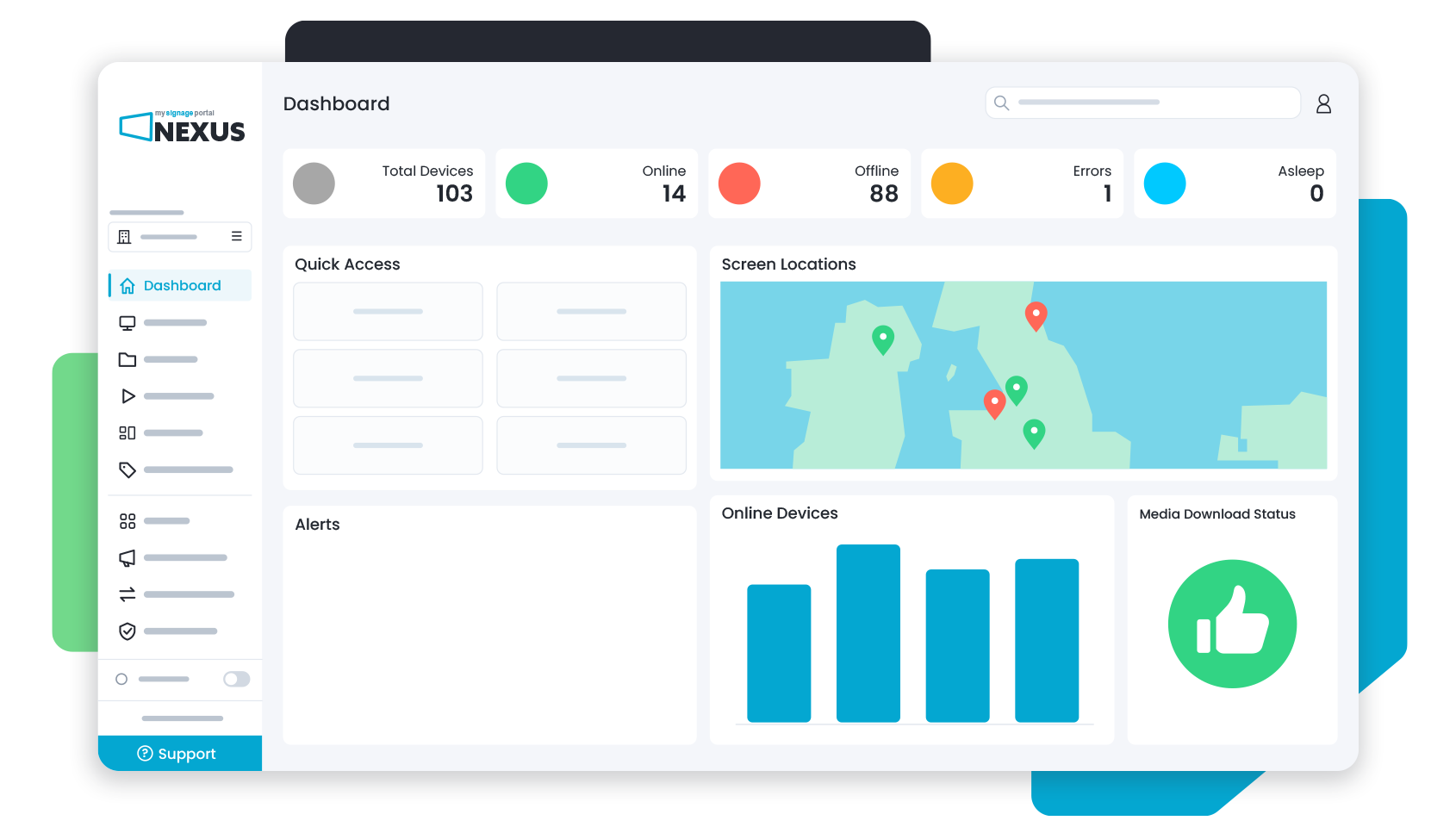
Using over 13 years of My Signage Portal experience, Nexus introduces a completely refreshed digital signage CMS designed around the way users manage content, screens and organisations. From a redesigned dashboard and more intuitive workflows to advanced scheduling, powerful Nexus Apps and greater customisation, Nexus makes everyday management simpler while giving you more control when you need it.
Tag Management
Take Control of Your Screens with Smarter Tags
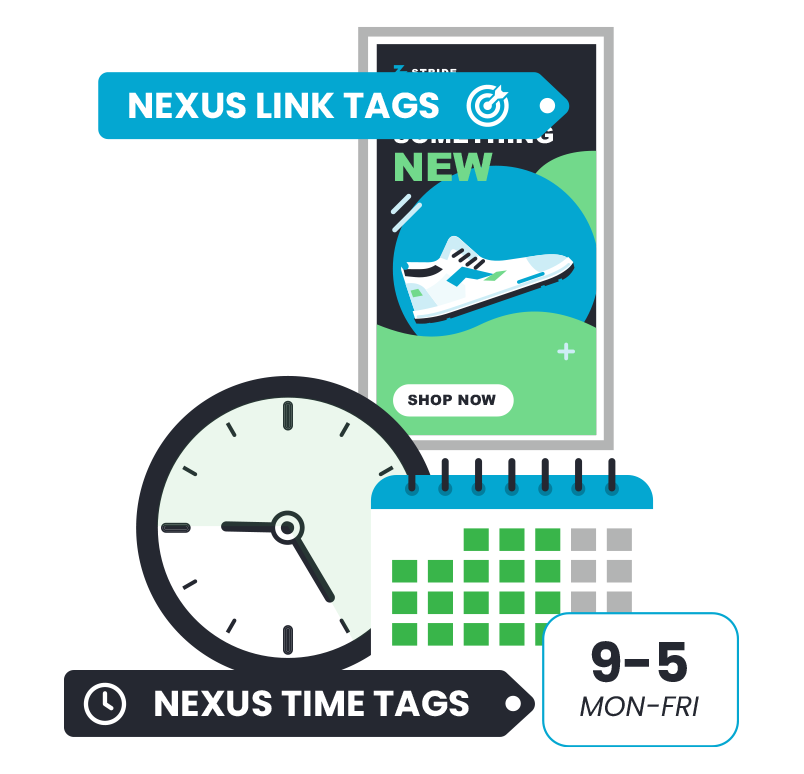
Take the complexity out of managing content across growing digital signage networks. Nexus Link Tags connect content with the right devices for streamlined distribution, while Nexus Time Tags let you create reusable scheduling rules across playlists and sub-organisations.
Advanced Scheduling
Get the Right Content on Screen at the Right Time
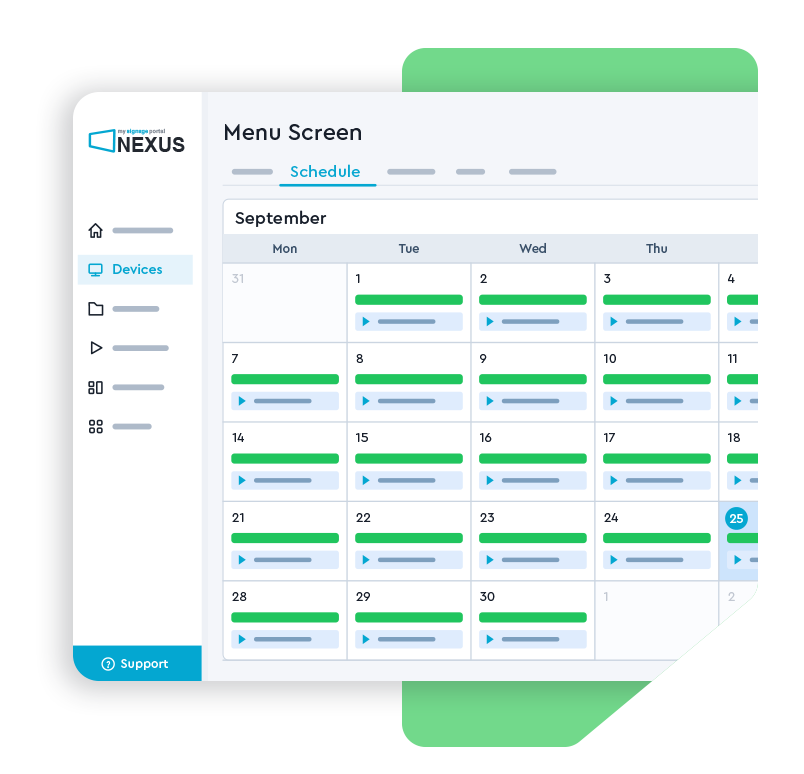
Take greater control of when your digital signage content plays with redesigned scheduling tools. Set active dates, weekdays and time windows, apply reusable Nexus Time Tags and review planned playlist activity from one central schedule.
MSP Nexus Apps
Maximise What Your Digital Signage Can Do with Nexus Apps
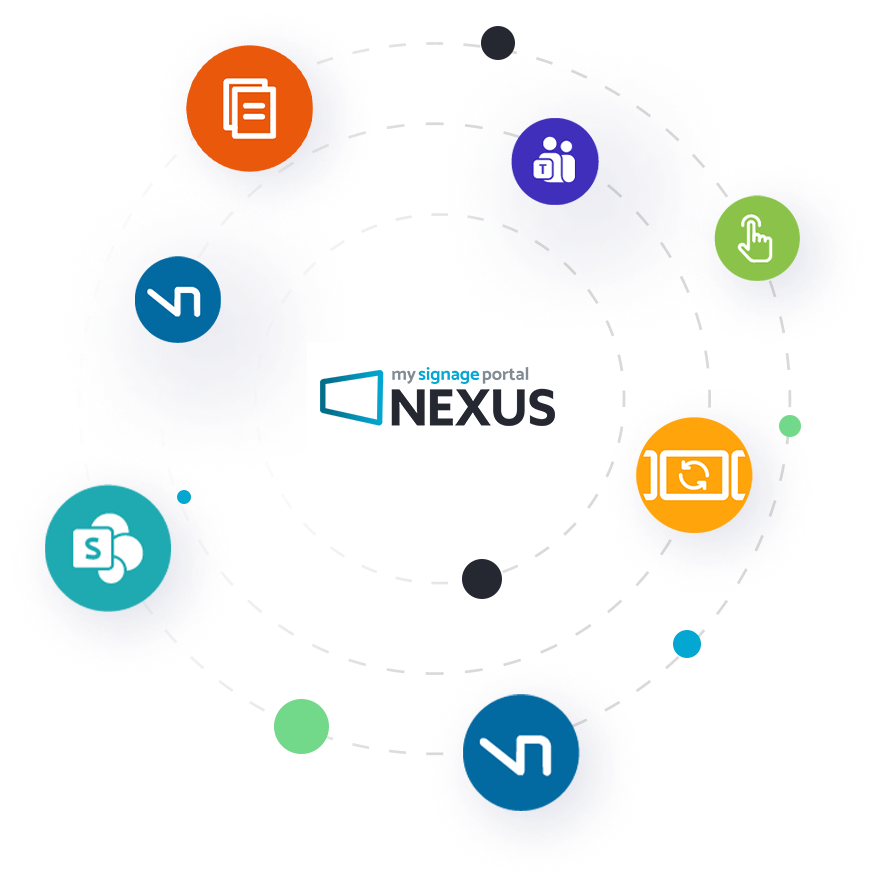
Adapt your CMS around your requirements with a growing collection of powerful Nexus Apps. Enable specialist functionalities when needed, from synchronised multi-screen playback and Campaigns to remote monitoring, interactive experiences and more.
More Ways to Make the Most of Every Screen




















Campaign Tools
Coordinate Content with Powerful Campaign Tools
Simplify campaign management across complex digital signage networks. Create and distribute campaigns across selected organisations, regions, stores or screens, with the ability to review pending changes before they are actioned.
Stay in Control with Advanced Management
Organisation Management
Manage Multiple Organisations with Greater Control
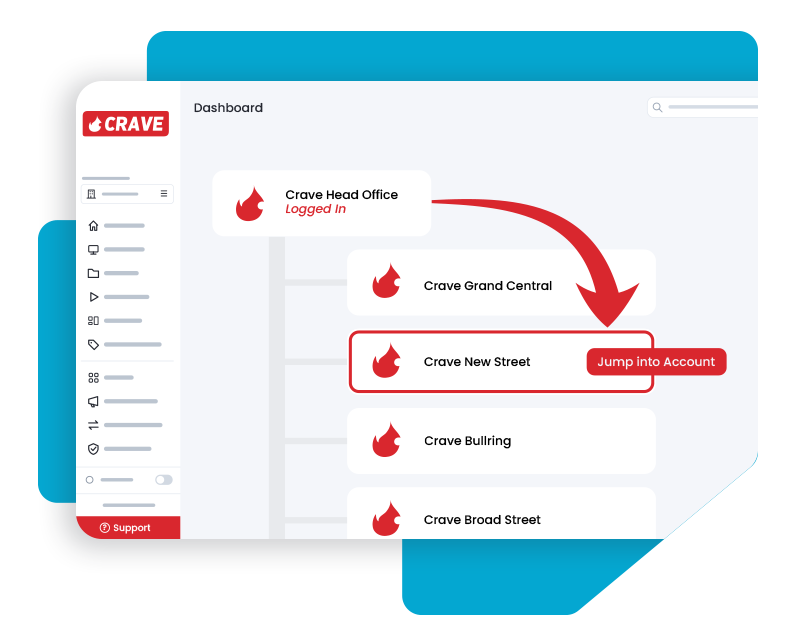
Nexus makes it easier to manage multiple customers, branches or locations from one account, with flexible sub-organisations and user access controls.
-
Keep Your Organisation Structure Clear
Create and manage sub-organisations within a wider customer structure, keeping content and access organised at the appropriate level.
-
Make Everyday Administration Easier
Move between the organisations you manage while keeping users, content and permissions associated with the right accounts.
Media Management
Keep Your Content Organised and Easy to Manage
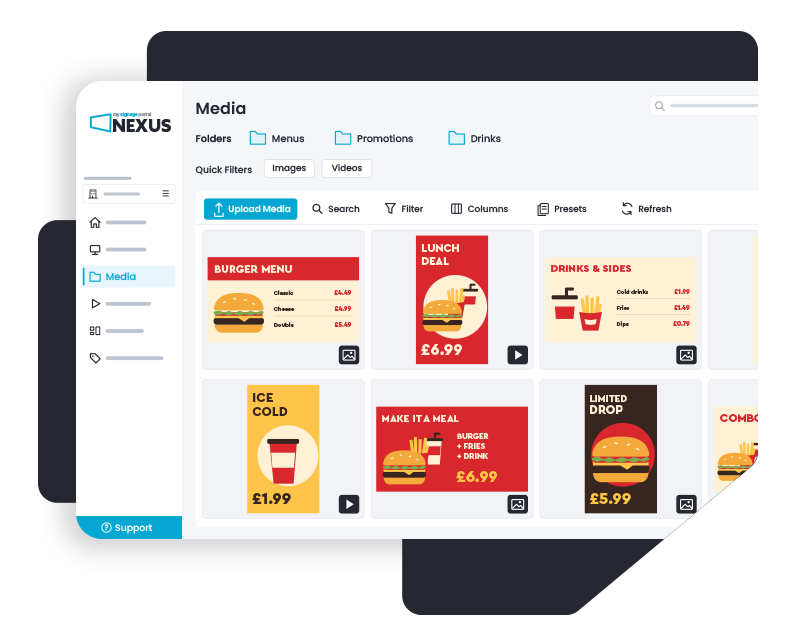
A redesigned interface makes managing content simpler, with nested folders, improved content information and a more streamlined approach to different media types.
Find the Content You Need Faster
Organise larger media libraries using nested folders and easily access important file information, including file type and resolution.
-
View Key File Details at a Glance
-
Keep Your Media Organised
Device Management
Stay in Control of Every Connected Device
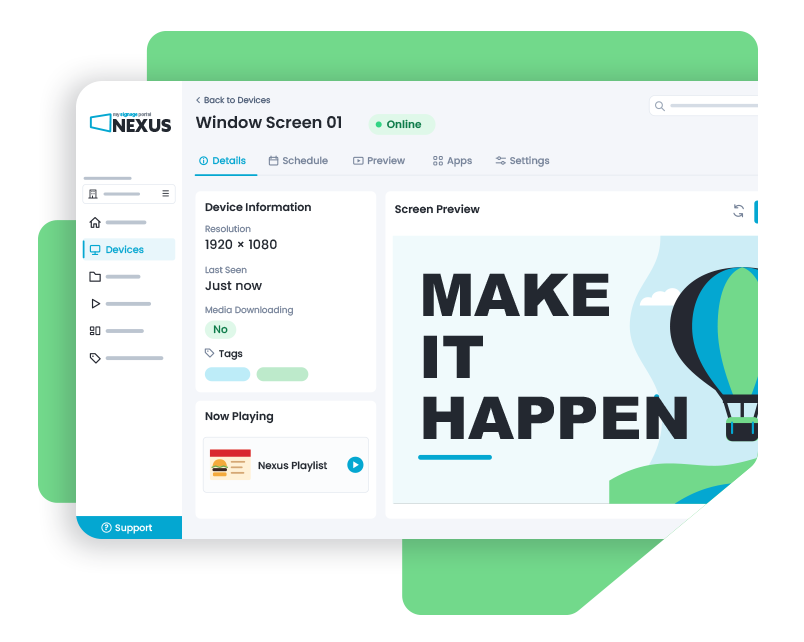
Manage your digital signage network through a cleaner device interface with more information, filtering options and controls, helping you find and manage the screens you need more efficiently.
-
Make Everyday Device Management Easier
Filter devices by criteria including location, status, organisation and licence expiry, with greater control over the information displayed.
Your Branding. Your Logo.
Make My Signage Portal Your Own
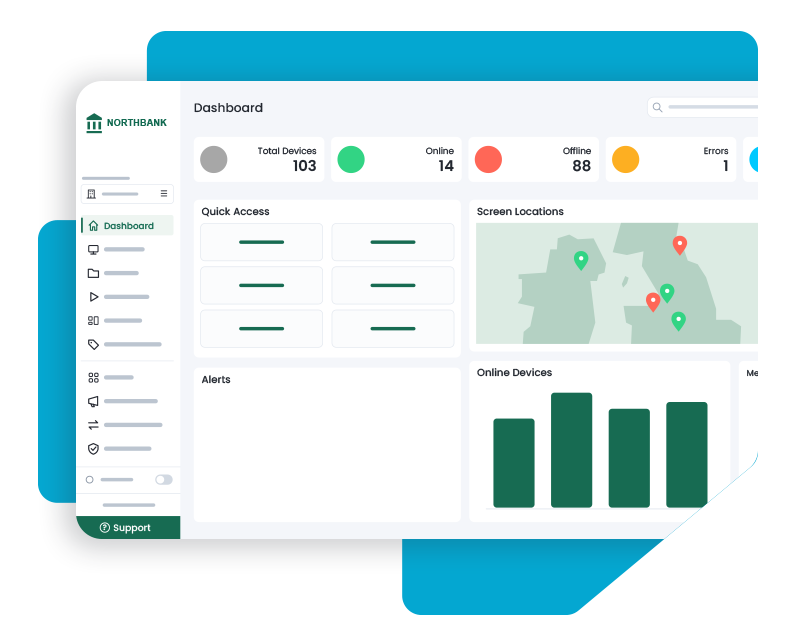
Put the “My” in My Signage Portal with greater control over how your CMS looks and works. Add your organisation’s logos, icons and colour scheme, personalise your workspace and carry branding across sub-organisations for a more tailored Nexus experience.
Simpler Access. Support at Your Fingertips.
Nexus makes it easier to access your CMS and get help when needed, with convenient sign-in options and support available directly within the platform.
Get Straight to Work with Single Sign-On
Simplify access to MSP Nexus with linked Google or Microsoft sign-in, alongside standard email-based user accounts.

Find Answers Faster with Your AI Agent
Get additional guidance from the Nexus AI Agent. Explore portal information, check publishing readiness and prepare permitted actions, while keeping changes subject to your review and confirmation.